How to Install IPTV on Firestick in 2026 (Step-by-Step UK Guide)
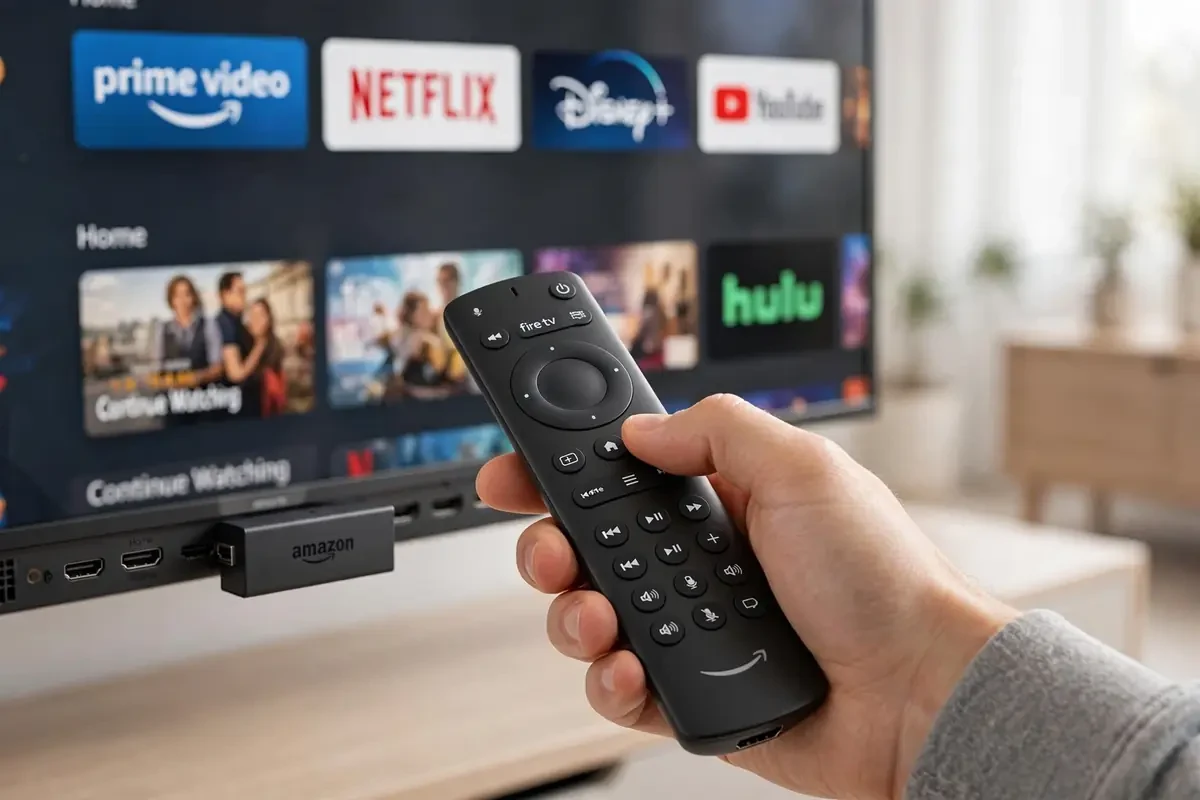
Learning how to install IPTV on Firestick takes about ten minutes once you know the steps. Amazon's Fire TV Stick is the most popular IPTV device in the UK for one reason: it's cheap, fast, and runs every major IPTV player app. This 2026 guide walks you through the full setup, from unboxing to your first live channel.
Step 1: Enable apps from unknown sources
Open Settings > My Fire TV > Developer Options and turn on Apps from Unknown Sources. On newer Fire OS versions this sits under Settings > My Fire TV > About > Fire TV Stick — click the device name seven times to unlock Developer Options first. This simply lets you install apps from outside the Amazon Appstore, which is how most IPTV players are distributed. If your TV is a Samsung or LG instead, see our Samsung & LG setup guide.
Step 2: Install a downloader and your IPTV player
Install the Downloader app from the Amazon Appstore, then use it to sideload your chosen IPTV player. The most reliable IPTV apps for Firestick in 2026 include TiviMate, IPTV Smarters Pro and XCIPTV — all support M3U playlists and Xtream Codes logins, EPG guides and catch-up TV.
Step 3: Enter your playlist details
Open your player and choose Xtream Codes API login (easiest) or M3U URL. Enter the server URL, username and password your provider sent you — with BlasterTV these arrive by WhatsApp or email within 5 minutes of ordering. The app will load your channel list, EPG and VOD library automatically. If the guide stays blank, our EPG not loading fix covers it.
Step 4: Optimise for 4K and live sport
Connect your Firestick to 5 GHz Wi-Fi (or add an Ethernet adapter), set the display to 4K 60Hz in Fire TV settings, and clear the player cache monthly. If you hit stutter on match days, our 9 buffering fixes solve nearly every case.
That's it — you now know how to install IPTV on Firestick end to end. New to all this? Start with a 24-hour free trial and test every step on your own stick before spending a penny.
IPTV UK Firestick — You're Set Up
That's the full IPTV for Firestick UK setup. Your IPTV UK Firestick install is done — open your player, log in and start watching.
IPTV UK Setup — Quick Checklist
Firestick charged, player installed, login details saved. If a channel buffers, restart the app first, then check your Wi-Fi.
Quick answers
How long does it take to install IPTV on Firestick?
About 10 minutes: enable unknown sources, install the Downloader app, sideload your IPTV player, and enter your Xtream Codes or M3U login.
Is it free to install IPTV on a Firestick?
Installing the player apps is free. The IPTV subscription itself is paid — start with a 24-hour free trial to test everything first.
Will installing IPTV void my Firestick warranty?
No. Sideloading apps via Amazon's own Developer Options is a supported feature and doesn't modify the device.
Ready to watch in 4K?
Plans from £20 with instant activation and a 24-hour free trial.