IPTV EPG Not Loading? How to Fix an Empty TV Guide
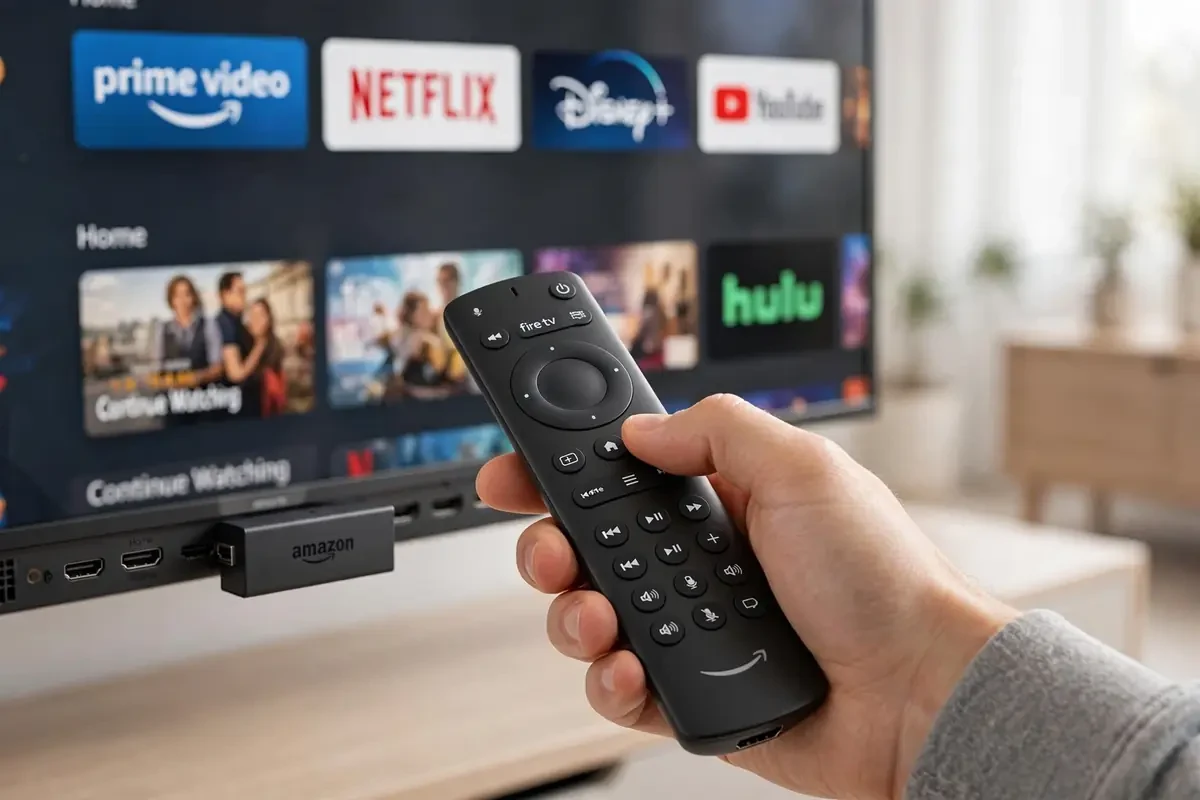
IPTV EPG not loading — the channels work but the TV guide is blank. It's one of the most common IPTV annoyances, and it's almost always a settings issue, not a broken service. Work through these six steps.
1. Check the EPG URL is set
Many players don't auto-load the guide. In TiviMate go to Settings > EPG > EPG sources and confirm your provider's EPG URL is entered. With Xtream Codes logins it usually loads automatically — with M3U links you often must add it manually. Your provider should supply the URL; ours is included with every subscription. New to players? Our best IPTV apps guide covers TiviMate and Smarters setup.
2. Force a refresh
TiviMate: Settings > EPG > Update EPG. IPTV Smarters: Settings > EPG Time Shift > refresh. Then fully close and reopen the app — the guide can take 2–3 minutes to populate 28,000 channels on first load.
3. Fix the time shift
Guide showing programmes at the wrong times? Set the EPG time shift to +0 / Europe/London. This single setting fixes "the guide is there but everything's 3 hours off" instantly.
4. Clear data (not just cache)
If the guide is corrupted, go to Firestick Settings > Applications > your player > Clear Data, then re-enter your login. You'll need your Xtream/M3U details handy. Lost your details? Our Firestick setup guide walks through the login again.
5. Check the playlist hasn't changed
Providers occasionally rotate server URLs. If channels still play but the EPG died after months of working, ask your provider for the current EPG URL before changing anything else. If you're thinking of switching provider, check what to verify before you buy.
6. Still blank? It's the provider
A quality provider maintains its EPG feed daily — it's part of what you pay for. If the guide is permanently empty across all apps, the feed is broken server-side. Our EPG & catch-up guide explains what a working setup looks like, and BlasterTV customers can message WhatsApp support for an instant EPG check.
Ready to watch in 4K?
Plans from £20 with instant activation and a 24-hour free trial.