Can You Install IPTV on Sky Glass? (2026 UK Guide)
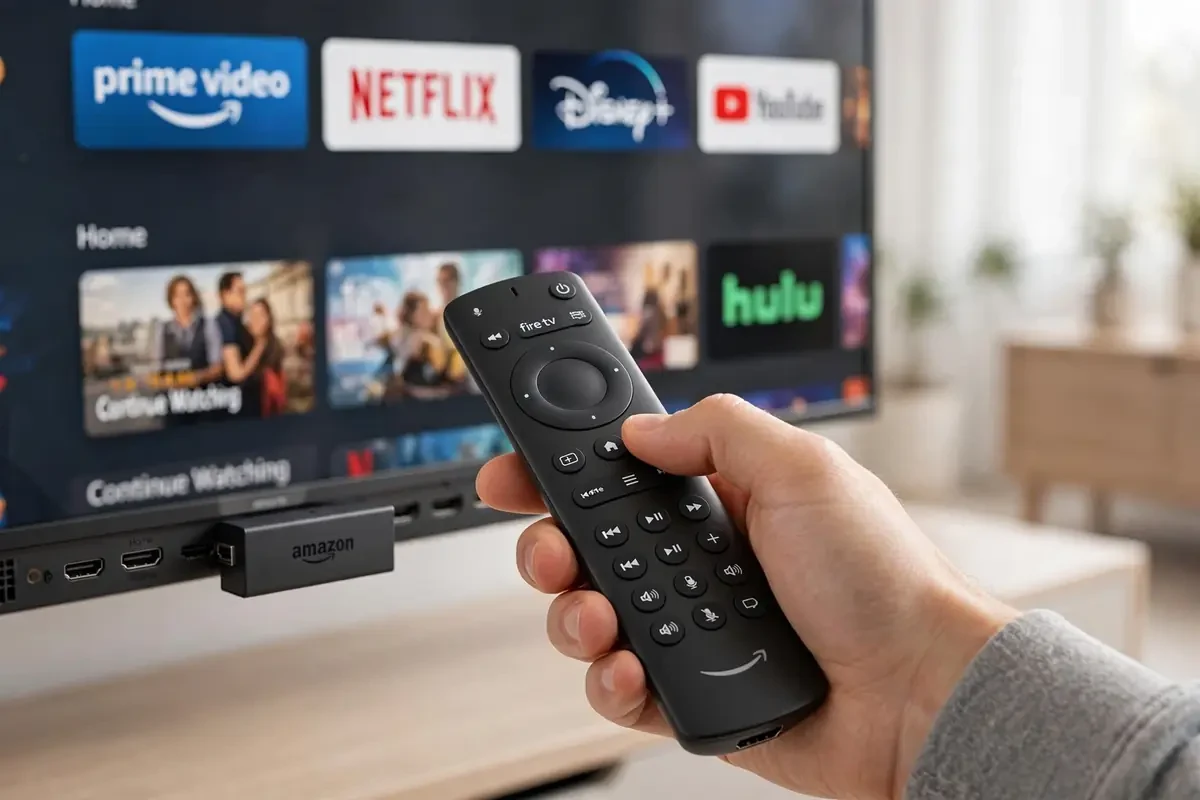
IPTV on Sky Glass is one of the most-searched questions from Sky Glass owners — and the answer is frustrating: Sky Glass runs locked-down Sky OS with no app sideloading and no Google Play Store. You cannot install TiviMate, IPTV Smarters or any IPTV player directly on the TV. But there are workarounds.
Why it doesn't work natively
Unlike a Firestick, Sky Glass gives you no Developer Options and no way to install APKs. The app selection is limited to what Sky approves. If you bought a Sky Glass 4K expecting full app freedom, this is the main limitation to know about.
Workaround 1: Plug in a Firestick (recommended)
IPTV UK Sky Glass — The Firestick Workaround
Plug a Firestick into your Sky Glass HDMI port and IPTV UK Sky Glass setup takes five minutes — the TV just becomes the screen.
Sky Glass has 3 HDMI 2.1 ports — plug a Firestick 4K Max into one and you have the full IPTV experience on your Sky Glass screen: every player app, 4K HDR, full EPG. It takes ten minutes with our Firestick setup guide, and you keep the Glass interface for everything else.
Workaround 2: Screen casting (limited)
IPTV on Sky Glass UK — Casting Limits
Casting works for on-demand, but live sport can lag and drop. For IPTV on Sky Glass UK, the Firestick route is the reliable one.
You can cast from some phone IPTV apps, but it's clunky for daily use — no EPG on the big screen and your phone stays tied up. Fine for occasional viewing, not a real solution. For a full comparison, see Sky Glass Air vs Gen 2 before buying either model.
The bottom line
Sky Glass + Firestick is the combo most owners settle on: Sky's slick interface plus unrestricted streaming on one HDMI input. See our Sky Glass vs Firestick head-to-head, then grab a free 24-hour trial to test it on your Glass.
Ready to watch in 4K?
Plans from £20 with instant activation and a 24-hour free trial.